Playing with Leaflet
Introduction
This Tutorial works through the ideas at Leaflet
Leaflet is a JavaScript library for creating dynamic maps that support panning and zooming along with various annotations like markers, polygons, and popups.
In this tutorial we will work only with vector data. In a second part, we will work with raster data in leaflet.
Basic Features of a leaflet Map
# Set value for the minZoom and maxZoom settings.
# leaflet(options = leafletOptions(minZoom = 0, maxZoom = 18))
m <- leaflet() %>%
# Add default OpenStreetMap map tiles
addTiles() %>%
# Set view to be roughly centred on Bangalore City
setView(lng = 77.580643, lat = 12.972442, zoom = 12)
m


# Click on the map to zoom in; Shift+Click to zoom outleaflet by default uses Open Street Map as its base map. We can use other base maps too, as we will see later.
Add Shapes to a Map
leaflet offers several commands to add points, markers, icons, lines, polylines and polygons to a map. Let us examine a few of these.
Add Markers with popups
m %>% addMarkers(
lng = 77.580643, lat = 12.972442,
popup = "The birthplace of Rvind"
)

# Click on the Marker for the popup to appearThis uses the default pin shape as the Marker.
Adding Popups to a Map
Popups are small boxes containing arbitrary HTML, that point to a specific point on the map. Use the addPopups() function to add standalone popup to the map.
m %>%
addPopups(
lng = 77.580643,
lat = 12.972442,
popup = paste(
"The birthplace of Rvind",
"<br>",
"Website: <a href = https://arvindvenkatadri.com>Arvind V's Website </a>",
"<br>"
),
## Ensuring we cannot close the popup,
## else we will not be able to find where it is,
## since there is no Marker
options = popupOptions(closeButton = FALSE)
)Popups are usually added to icons, Markers and other shapes can show up when these are clicked.
Adding Labels to a Map
Labels are messages attached to all shapes, using the argument label wherever it is available.
Labels are static, and Popups are usually visible on mouse click. Hence a Marker can have both a label and a popup. For example, the function addPopup() offers only a popup argument, whereas the function addMarkers() offers both a popup and a label argument.
It is also possible to create labels standalone using addLabelOnlyMarkers() where we can show only text and no Markers.
m %>%
addMarkers(
lng = 77.580643,
lat = 12.972442,
# Here is the Label defn.
label = "The birthplace of Rvind",
labelOptions = labelOptions(
noHide = TRUE, # Label always visible
textOnly = F,
textsize = 20
),
# And here is the popup defn.
popup = paste(
"PopUp Text: <a href = https://arvindvenkatadri.com>Arvind V's Website </a>",
"<br>"
)
)Adding Circles and CircleMarkers on a Map
We can add shapes on to a map to depict areas or locations of interest.
addCircles and addCircleMarkers
The radius argument works differently in addCircles() and addCircleMarkers().
# Some Cities in the US and their location
md_cities <- tibble(
name = c("Baltimore", "Frederick", "Rockville", "Gaithersburg", "Bowie", "Hagerstown", "Annapolis", "College Park", "Salisbury", "Laurel"),
pop = c(619493, 66169, 62334, 61045, 55232, 39890, 38880, 30587, 30484, 25346),
lat = c(39.2920592, 39.4143921, 39.0840, 39.1434, 39.0068, 39.6418, 38.9784, 38.9897, 38.3607, 39.0993),
lng = c(-76.6077852, -77.4204875, -77.1528, -77.2014, -76.7791, -77.7200, -76.4922, -76.9378, -75.5994, -76.8483)
)
md_cities %>%
leaflet() %>%
addTiles() %>%
# CircleMarkers, in blue
# radius scales the Marker. Units are in Pixels!!
# Here, radius is made proportional to `pop` number
addCircleMarkers(
radius = ~ pop / 1000, # Pixels!!
color = "blue",
stroke = FALSE, # no border for the Markers
opacity = 0.8
) %>%
# Circles, in red
addCircles(
radius = 5000, # Meters !!!
stroke = TRUE,
color = "yellow", # Stroke Colour
weight = 3, # Stroke Weight
fill = TRUE,
fillColor = "red",
)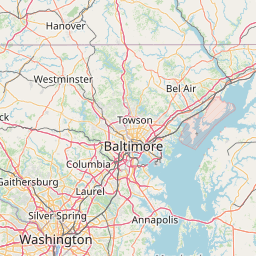
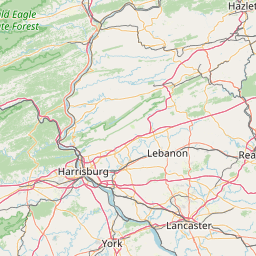
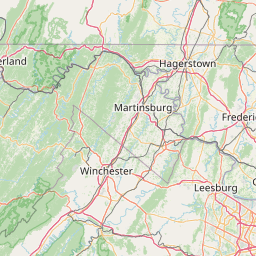
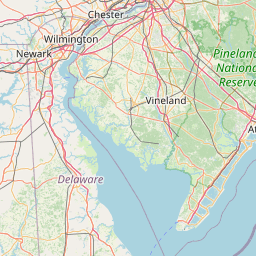
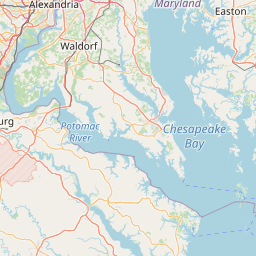
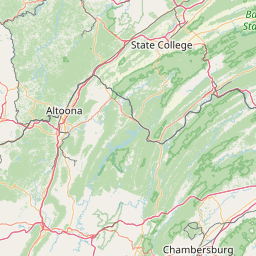
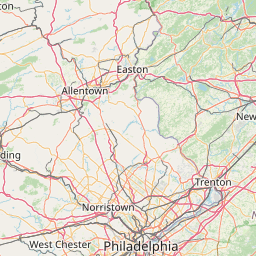
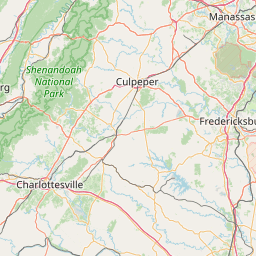
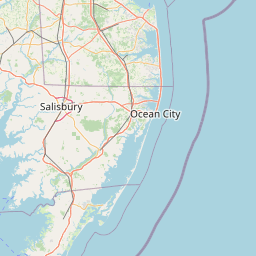
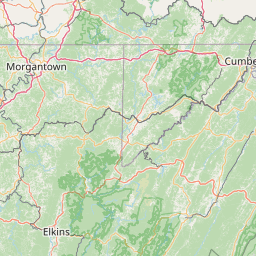
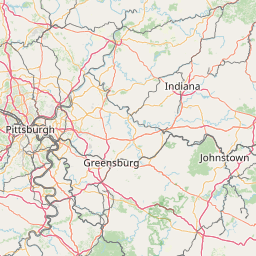
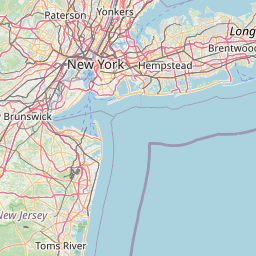
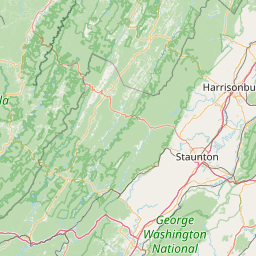

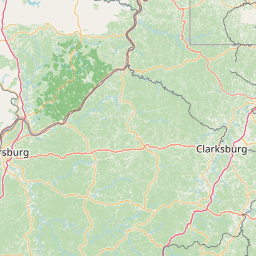

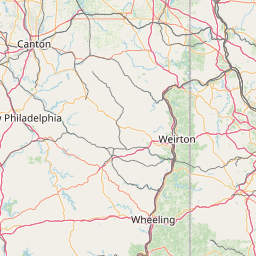
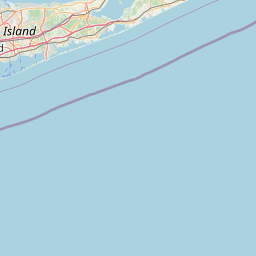
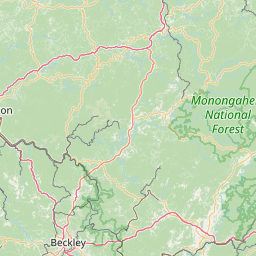

The shapes need not be of fixed size or colour; their attributes can be made to correspond to other attribute variables in the geospatial data, as we did with radius in the addCircleMarkers() function above.
Adding Rectangles to a Map
Add Polygons to a Map
Add PolyLines to a Map
This can be useful say for manually marking a route on a map, with waypoints.
leaflet() %>%
addTiles() %>%
setView(lng = 77.580643, lat = 12.972442, zoom = 6) %>%
# arbitrary vector data for lat and lng
# If start and end points are the same, it looks like Polygon
# Without the fill
# Two Vectors
addPolylines(
lng = c(73.5, 75.9, 76.1, 77.23, 79.8),
lat = c(10.12, 11.04, 11.87, 12.04, 10.7)
) %>%
# Add Waypoint Icons
# Same Two Vectors
addMarkers(
lng = c(73.5, 75.9, 76.1, 77.23, 79.8),
lat = c(10.12, 11.04, 11.87, 12.04, 10.7)
)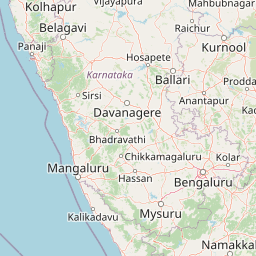
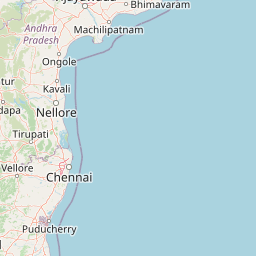
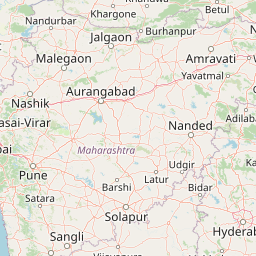
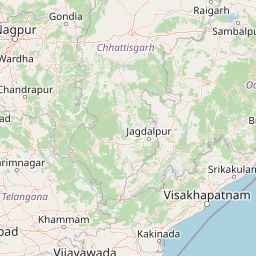
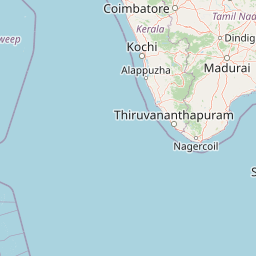



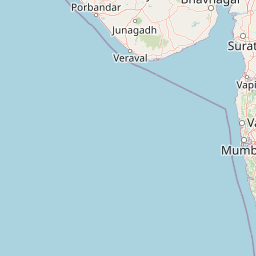








As seen, we have created Markers, Labels, Polygons, and PolyLines using fixed.i.e. literal text and numbers. In the following we will also see how external geospatial data columns can be used instead of these literals.
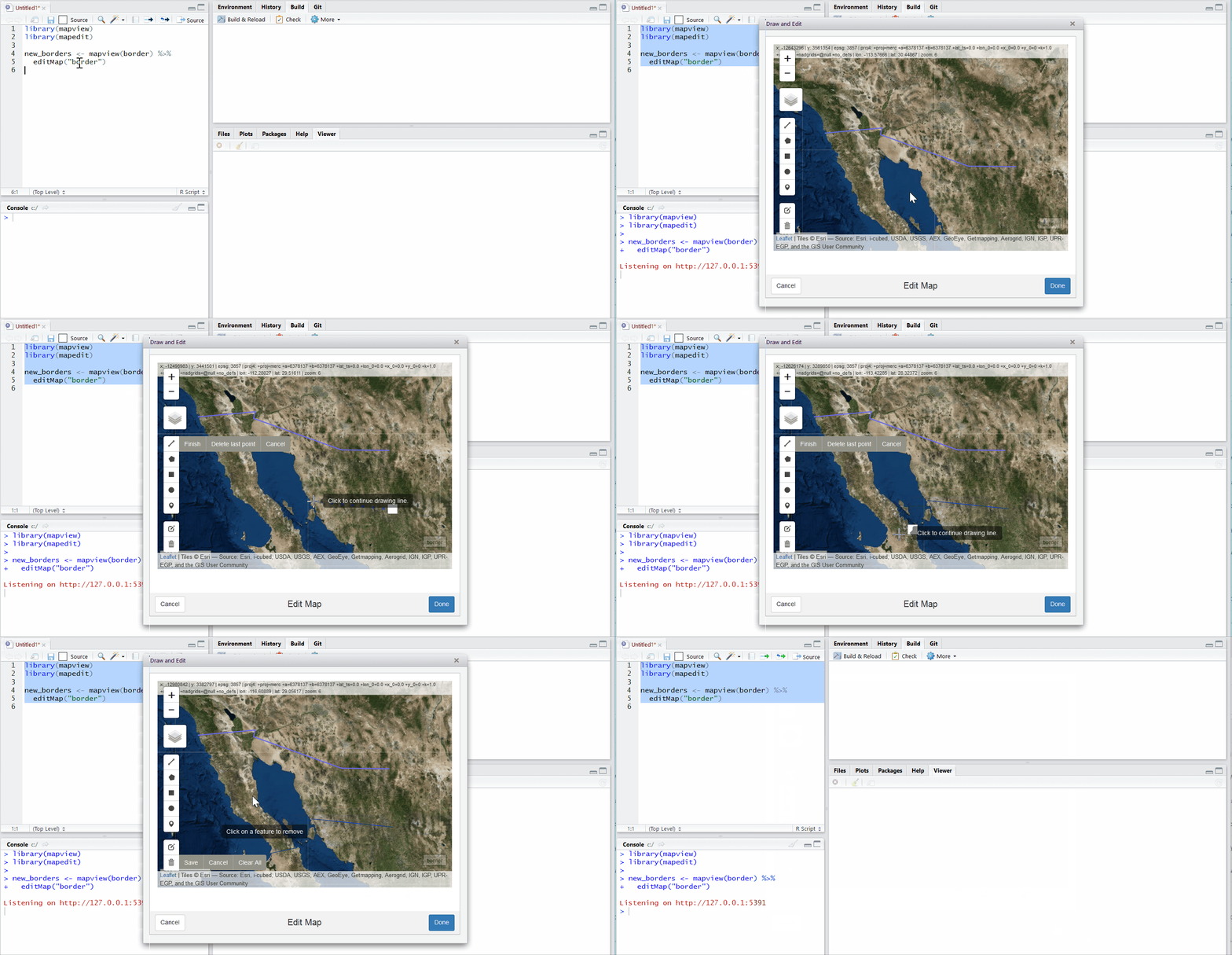
mapedit package
https://r-spatial.org//r/2017/01/30/mapedit_intro.html can also be used to interactively add shapes onto a map and save as an geo-spatial object.
Using leaflet with External Geospatial Data
On to something more complex. We want to plot an external user-defined set of locations on a leaflet map. leaflet takes in geographical data in many ways and we will explore most of them.
POINT Data Sources for leaflet
Point data for markers can come from a variety of sources:
-
Vectors: Simply provide numeric
vectorsaslngandlatarguments, which we have covered already in the preceding sections. -
Matrices: Two-column numeric matrices (first column is
longitude, second islatitude)
-
Data Frames:
Data frame/tibblewithlatitudeandlongitudecolumns. You can explicitly tell the marker function which columns contain the coordinate data (e.g.addMarkers(lng = ~Longitude, lat = ~Latitude)), or let the function look for columns namedlat/latitudeandlon/lng/long/longitude(case insensitive).
-
Package
sp” SpatialPoints orSpatialPointsDataFrameobjects (from thesppackage)
-
Package
sf: POINT,sfc_POINT, andsfobjects (from thesf` package); only X and Y dimensions will be considered
sp
We will not consider the use of sp related data structures for plotting POINTs in leaflet since sp is being phased out in favour of the more modern package sf.
Points using simple Data Frames
Let us read in the data set from data.world that gives us POINT locations of all airports in India in a data frame / tibble. The dataset is available at https://query.data.world/s/ahtyvnm2ybylf65syp4rsb5tulxe6a and, for poor peasants especially, also by clicking the download button below. Save it in a convenient data folder in your project and read it in.
data.world
You will need the package data.world and also need to register your credentials for that page with RStudio. The (simple!) instructions are available here at data.world.
id <int> | ident <chr> | type <chr> | name <chr> | lat <dbl> | lon <dbl> | elevation_ft <int> | continent <chr> | iso_country <chr> | iso_region <chr> | |
|---|---|---|---|---|---|---|---|---|---|---|
| 26555 | VIDP | large_airport | Indira Gandhi International Airport | 28.56650 | 77.1031 | 777 | AS | IN | IN-DL | |
| 26434 | VABB | large_airport | Chhatrapati Shivaji International Airport | 19.08870 | 72.8679 | 39 | AS | IN | IN-MM | |
| 35145 | VOBL | large_airport | Kempegowda International Airport | 13.19790 | 77.7063 | 3000 | AS | IN | IN-KA | |
| 26618 | VOMM | large_airport | Chennai International Airport | 12.99001 | 80.1693 | 52 | AS | IN | IN-TN | |
| 26444 | VAGO | large_airport | Dabolim Airport | 15.38080 | 73.8314 | 150 | AS | IN | IN-GA | |
| 26609 | VOCI | large_airport | Cochin International Airport | 10.15200 | 76.4019 | 30 | AS | IN | IN-KL |
Here is the data:
Let us plot this in leaflet, using an ESRI National Geographic style map instead of the default OSM Base Map. We will also place small circle markers for each airport.
leaflet(data = india_airports) %>%
setView(lat = 18, lng = 77, zoom = 4) %>%
# Add NatGeo style base map
addProviderTiles(providers$Esri.NatGeoWorldMap) %>% # ESRI Basemap
# Add Markers for each airport
addCircleMarkers(
lng = ~lon, lat = ~lat,
# Optional, variables stated for clarity
# leaflet can automatically detect lon-lat columns
# if they are appropriately named in the data
# longitude/lon/lng
# latitude/lat
radius = 2, # Pixels
color = "red",
opacity = 1
)We can also change the icon for each airport. Let us try one of the several icon families that we can use with leaflet : glyphicons, ionicons, and fontawesome icons. Here is the IATA icon: download and save it and make sure this code below has the proper path to this .png file!

# Define popup message for each airport
# Based on data in india_airports
popup <- paste(
"<strong>",
india_airports$name,
"</strong><br>",
india_airports$iata_code,
"<br>",
india_airports$municipality,
"<br>",
"Elevation(feet)",
india_airports$elevation_ft,
"<br>",
india_airports$wikipedia_link,
"<br>"
)
iata_icon <- makeIcon(
"images/iata-logo-transp.png", # Downloaded from www.iata.org
iconWidth = 24,
iconHeight = 24,
iconAnchorX = 0,
iconAnchorY = 0
)
# Create the Leaflet map
leaflet(data = india_airports) %>%
setView(lat = 18, lng = 77, zoom = 4) %>%
addProviderTiles(providers$Esri.NatGeoWorldMap) %>%
addMarkers(
icon = iata_icon,
popup = popup
)
There are other icons we can use to mark the POINTs. leaflet allows the use of ionicons, glyphicons, and FontAwesomeIcons.
It is possible to create a list of icons, so that different Markers can have different icons. Let us try to map the MNCs in the ITPL area of Bangalore: we use the ideas in Using Leaflet Markers @JLA-Data.net
# Make a dataframe of addresses of Companies we wan to plot in ITPL
companies_itpl <-
data.frame(
ticker = c(
"MBRDI",
"DTICI",
"IBM",
"Exxon",
"Mindtree",
"FIS Global",
"Sasken",
"LTI"
),
lat = c(
12.986178620989264,
12.984160906190121,
12.983659088566357,
12.985112265986636,
12.983794997606187,
12.980658616215155,
12.982080447350246,
12.981338168875348
),
lon = c(
77.7270652183105,
77.72808445774321,
77.73103488768001,
77.72935046040699,
77.7227844126931,
77.72685064158782,
77.72545589289041,
77.72287024338216
)
) %>% sf::st_as_sf(coords = c("lon", "lat"), crs = 4326)
# Vanilla leaflet map
leaflet(companies_itpl) %>%
addTiles() %>%
addMarkers()


Points using sf objects
We will use data from an sf data object. This differs from the earlier situation where we had a simple data frame with lon and lat columns. In sf, as we know, the lon and lat info is embedded in the geometry column of the sf data frame.
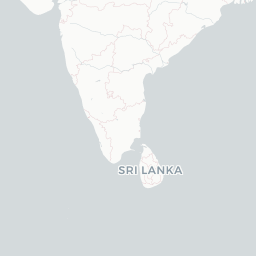
The tmap package has a data set of all World metro cities, titled metro. We will plot these on the map and also scale the markers in proportion to one of the feature attributes, pop2030. The popup will be the name of the metro city. We will also use the CartoDB.Positron base map.
Note that the metro data set has a POINT geometry, as needed!
data(metro, package = "tmap")
metroname <chr> | name_long <chr> | iso_a3 <chr> | pop1950 <dbl> | pop1960 <dbl> | pop1970 <dbl> | pop1980 <dbl> | pop1990 <dbl> | pop2000 <dbl> | ||
|---|---|---|---|---|---|---|---|---|---|---|
| 2 | Kabul | Kabul | AFG | 170784 | 285352 | 471891 | 977824 | 1549320 | 2401109 | |
| 8 | Algiers | El Djazair (Algiers) | DZA | 516450 | 871636 | 1281127 | 1621442 | 1797068 | 2140577 | |
| 13 | Luanda | Luanda | AGO | 138413 | 219427 | 459225 | 771349 | 1390240 | 2591388 | |
| 16 | Buenos Aires | Buenos Aires | ARG | 5097612 | 6597634 | 8104621 | 9422362 | 10513284 | 12406780 | |
| 17 | Cordoba | Cordoba | ARG | 429249 | 605309 | 809794 | 1009521 | 1200168 | 1347561 | |
| 25 | Rosario | Rosario | ARG | 554483 | 671349 | 816230 | 953491 | 1083819 | 1152387 | |
| 32 | Yerevan | Yerevan | ARM | 341432 | 537759 | 778158 | 1041587 | 1174524 | 1111301 | |
| 33 | Adelaide | Adelaide | AUS | 429277 | 571822 | 850168 | 971856 | 1081618 | 1141623 | |
| 34 | Brisbane | Brisbane | AUS | 441718 | 602999 | 904777 | 1134833 | 1381306 | 1666203 | |
| 37 | Melbourne | Melbourne | AUS | 1331966 | 1851220 | 2499109 | 2839019 | 3154314 | 3460541 |
leaflet(data = metro) %>%
setView(lat = 18, lng = 77, zoom = 4) %>%
# Add CartoDB.Positron
addProviderTiles(providers$CartoDB.Positron) %>% # CartoDB Basemap
# Add Markers for each airport
addCircleMarkers(
radius = ~ sqrt(pop2030) / 350,
color = "red",
popup = paste(
"Name: ", metro$name, "<br>",
"Population 2030: ", metro$pop2030
)
)








We can also try downloading an sf data frame with POINT geometry from say OSM data https://www.openstreetmap.org/#map=16/12.9766/77.5888. Let us get hold of restaurants data in Malleswaram, Bangalore from OSM data:
bbox <- osmdata::getbb("Malleswaram, Bengaluru")
bbox min max
x 77.55033 77.59033
y 12.98274 13.02274locations <-
osmdata::opq(bbox = bbox) %>%
osmdata::add_osm_feature(key = "amenity", value = "restaurant") %>%
osmdata_sf() %>%
purrr::pluck("osm_points") %>%
dplyr::select(name, cuisine, geometry) %>%
dplyr::filter(cuisine == "indian")
locations %>% head()name <chr> | cuisine <chr> | geometry <sf_POINT> | ||
|---|---|---|---|---|
| 461539222 | Adiga's | indian | <sf_POINT> | |
| 598500940 | Udupi Sri Krishnarajathadri | indian | <sf_POINT> | |
| 673377213 | Sana Di Ge | indian | <sf_POINT> | |
| 673860152 | New Shanthi Sagar | indian | <sf_POINT> | |
| 1116484556 | Kabab Studio | indian | <sf_POINT> | |
| 1448082496 | Sai Shakti | indian | <sf_POINT> |
# Fontawesome icons seem to work in `leaflet` only up to FontAwesome V4.7.0.
# The Fontawesome V4.7.0 Cheatsheet is here: <https://fontawesome.com/v4/cheatsheet/>
leaflet(
data = locations,
options = leafletOptions(minZoom = 12)
) %>%
addProviderTiles(providers$CartoDB.Voyager) %>%
# Regular `leaflet` code
addAwesomeMarkers(
icon = awesomeIcons(
icon = "fa-coffee",
library = "fa",
markerColor = "blue",
iconColor = "black",
iconRotate = TRUE
),
popup = paste(
"Name: ", locations$name, "<br>",
"Food: ", locations$cuisine
)
)





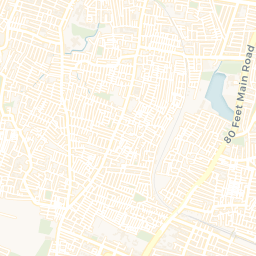
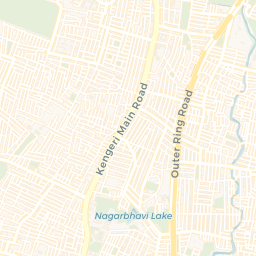
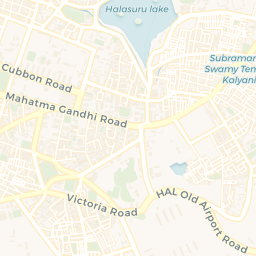
For more later versions of Fontawesome, here below is a workaround from https://github.com/rstudio/leaflet/issues/691. Despite this some fontawesome icons simply do not seem to show up. Aiyooo….;-()
( Update Dec 2023: Seems OK now…)
library(fontawesome)
coffee <- makeAwesomeIcon(
text = fa("mug-hot"), # mug-hot was introduced in fa version 5
iconColor = "black",
markerColor = "blue",
library = "fa"
)
leaflet(data = locations) %>%
addProviderTiles(providers$CartoDB.Voyager) %>%
# Workaround code
addAwesomeMarkers(
icon = coffee,
popup = paste(
"Name: ", locations$name, "<br>",
"Food: ", locations$cuisine, "<br>"
)
)leaflet detects sf POINT geometry
Note that leaflet automatically detects the lon/lat columns from within the POINT geometry column of the sf data frame.
Points using Two-Column Matrices
We can now quickly try providing lon and lat info in a two column matrix.This can be useful to plot a bunch of points recorded on a mobile phone app.
mysore5 <- matrix(
c(
runif(5, 76.652985 - 0.01, 76.652985 + 0.01),
runif(5, 12.311827 - 0.01, 12.311827 + 0.01)
),
nrow = 5
)
mysore5 [,1] [,2]
[1,] 76.64561 12.30481
[2,] 76.64341 12.30308
[3,] 76.64324 12.31361
[4,] 76.64518 12.31857
[5,] 76.64842 12.31452leaflet(data = mysore5) %>%
addProviderTiles(providers$OpenStreetMap) %>%
# Pick an icon from <https://www.w3schools.com/bootstrap/bootstrap_ref_comp_glyphs.asp>
addAwesomeMarkers(
icon = awesomeIcons(
icon = "music",
iconColor = "black",
library = "glyphicon"
),
popup = "Carnatic Music !!"
)


Polygons, Lines, and Polylines Data Sources for leaflet
We have seen how to get POINT data into leaflet.
LINE and POLYGON data can also come from a variety of sources:
-
sfpackage:MULTIPOLYGON,POLYGON,MULTILINESTRING, andLINESTRINGobjects (from thesfpackage) sppackage:SpatialPolygons,SpatialPolygonsDataFrame,Polygons, andPolygon objects(from thesppackage)**sppackage:SpatialLines,SpatialLinesDataFrame,Lines, andLine objects(from thesppackage)-
mapspackage:mapobjects (from themapspackage’smap()function); usemap(fill = TRUE)for polygons,FALSEfor polylines -
Matrices:Two-column numeric
matrix; the first column is longitude and the second is latitude. Polygons are separated by rows of (NA, NA). It is not possible to represent multi-polygons nor polygons with holes using this method; Sounds very clumsy and better not attempt. Usesfinstead.
We will concentrate on using sf data into leaflet. We may explore maps() objects at a later date.
Polygons/MultiPolygons and LineString/MultiLineString using sf data frames
Let us download College buildings, parks, and the cycling lanes in Amsterdam, Netherlands, and plot these in leaflet.
library(osmdata)
# Option 1
# Gives too large a bbox
bbox <- osmdata::getbb("Amsterdam, Netherlands")
# bbox
# Setting bbox manually is better
amsterdam_coords <- matrix(c(4.85, 4.95, 52.325, 52.375),
byrow = TRUE,
nrow = 2, ncol = 2,
dimnames = list(c("x", "y"), c("min", "max"))
)
amsterdam_coords min max
x 4.850 4.950
y 52.325 52.375colleges <- amsterdam_coords %>%
osmdata::opq() %>%
osmdata::add_osm_feature(
key = "amenity",
value = "college"
) %>%
osmdata_sf() %>%
purrr::pluck("osm_polygons")
parks <- amsterdam_coords %>%
osmdata::opq() %>%
osmdata::add_osm_feature(key = "landuse", value = "grass") %>%
osmdata_sf() %>%
purrr::pluck("osm_polygons")
roads <- amsterdam_coords %>%
osmdata::opq() %>%
osmdata::add_osm_feature(
key = "highway",
value = "primary"
) %>%
osmdata_sf() %>%
purrr::pluck("osm_lines")
cyclelanes <- amsterdam_coords %>%
osmdata::opq() %>%
osmdata::add_osm_feature(key = "cycleway") %>%
osmdata_sf() %>%
purrr::pluck("osm_lines")We have 12 colleges, 3371 parks, 309 roads, and 281 cycle lanes in our data.
leaflet() %>%
addTiles() %>%
addPolygons(
data = colleges, color = "yellow",
popup = ~ colleges$name
) %>%
addPolygons(data = parks, color = "seagreen", popup = parks$name) %>%
addPolylines(data = roads, color = "red") %>%
addPolylines(data = cyclelanes, color = "purple")


Using Raster Data in leaflet[Work in Progress!]
So far all the geospatial data we have plotted in leaflet has been vector data.
We will now explore how to plot raster data using leaflet. Raster data are used to depict continuous variables across space, such as vegetation, salinity, forest cover etc. Satellite imagery is frequently available as raster data.
Importing Raster Data [Work in Progress!]
Raster data can be imported into R in many ways:
- using the
maptilespackage - using the
OpenStreetMappackage
Bells and Whistles in leaflet: layers, groups, legends, and graticules
Adding Legends
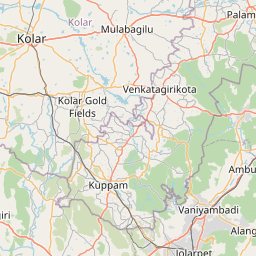
## Generate some random lat lon data around Bangalore
df <- tibble(
lat = runif(20, min = 11.97, max = 13.07),
lng = runif(20, min = 77.48, max = 77.68),
col = sample(c("red", "blue", "green"), 20,
replace = TRUE
),
stringsAsFactors = FALSE
)
df %>%
leaflet() %>%
addTiles() %>%
addCircleMarkers(color = df$col) %>%
addLegend(values = df$col, labels = LETTERS[1:3], colors = c("blue", "red", "green"))






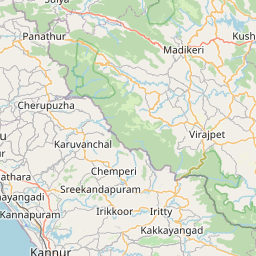

Using Web Map Services (WMS) [Work in Progress!]
To be included.